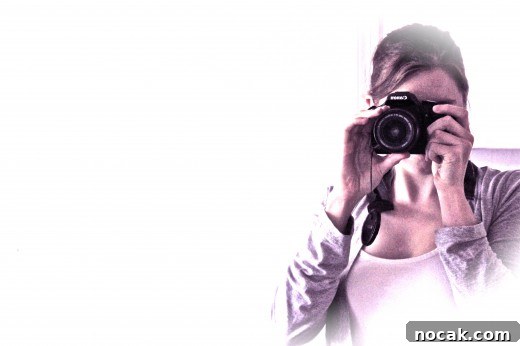
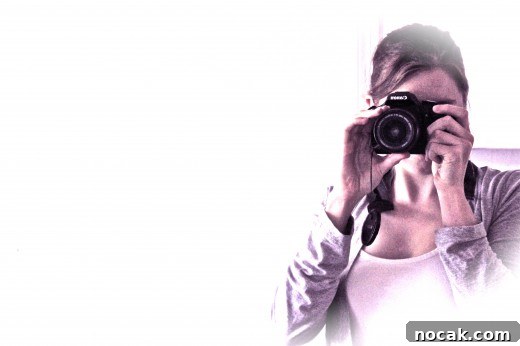
The photo above was edited with the free photo editing software iPhoto
Many of the photographs on this blog are shown largely unedited. I do sometimes touch up images in Picasa or iPhoto depending on their original quality — sharpening, boosting vibrancy, or adding subtle creative effects — but most of the time you’re seeing the photo as it was captured.
I’m not against editing; I simply didn’t have advanced software until recently. Buying a DSLR changed that: now I’ve caught the photo-editing bug.
The symptoms are predictable — checking Adobe’s site for discounts, trying to justify the purchase, and searching for free Photoshop downloads (which, spoiler, aren’t legitimate).
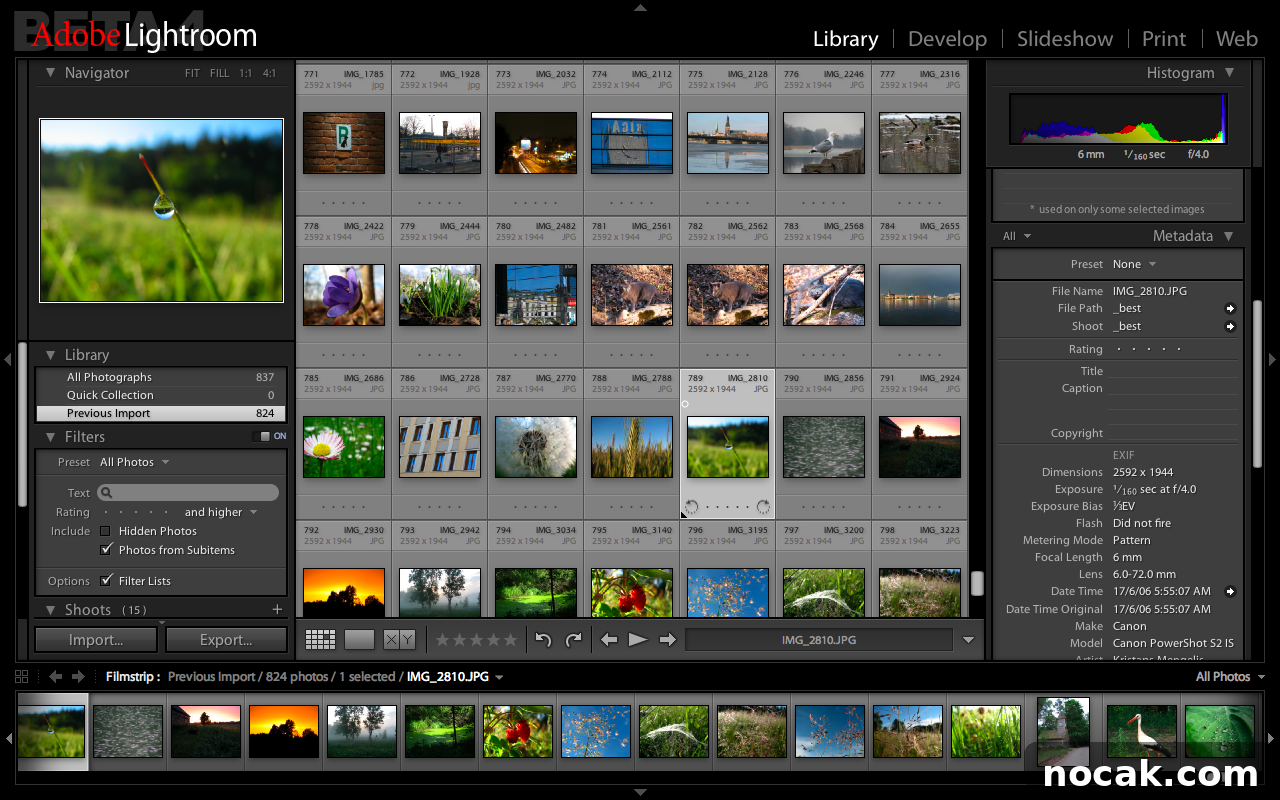
To stay legal and test the workflow, I downloaded a free 30-day trial of Adobe Lightroom. Lightroom differs from Photoshop but is an excellent tool for photographers — it’s a great way to see whether a paid program is worth the investment. Many advanced editing features work best with RAW files, so shooting in RAW gives you the most flexibility and quality.
I was impressed. Here’s what I could do with a fairly average JPEG from a trip to Montana:
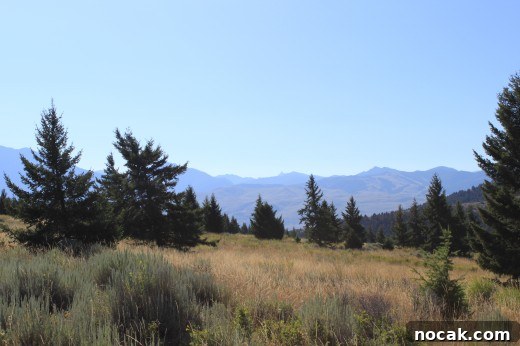 (An unedited JPEG from my Montana trip)
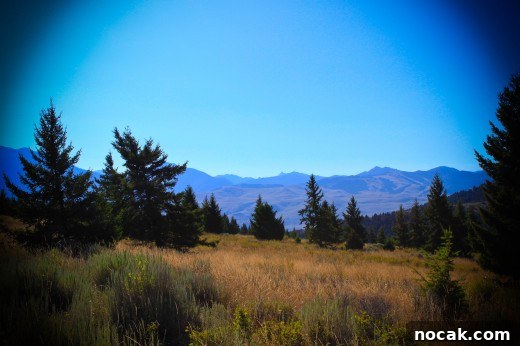
(Same JPEG edited using the Adobe Lightroom trial)
The difference surprised me. By darkening the edges and adjusting tones, the edited image gained a clear focal point and a more accurate representation of the colors and shadows I remembered. Lightroom’s tools made it easy to bring out that depth and vibrancy.
Lightroom normally retails for around $299, though student discounts can bring it down to about $99. If you’re on the fence, the trial is a good way to decide whether the cost is justified for your needs.
The main purpose of this post is to share useful photography resources I’ve collected while learning and experimenting. These are sites and tools I’ve actually used and returned to since purchasing my camera.
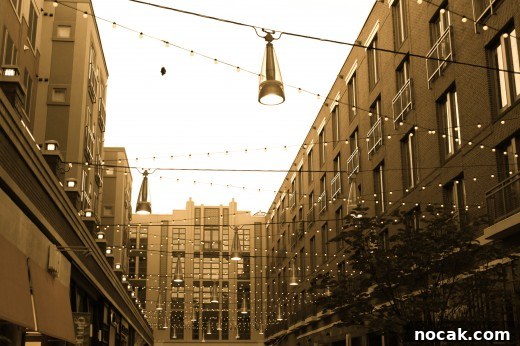 (edited using iPhoto)
Free Photo Editing Software:
-
- Picasa 3 (Mac)
- iPhoto (available on Macs)
- GIMP (a free alternative to Photoshop; useful for headers and routine image scaling)
- Microsoft Live Photo Gallery
Photography Tips & Tricks:
-
- David Lebovitz — practical equipment and technique advice
- Food & Wine — basic food photography tips
- White on Rice Couple — clear explanations of exposure, shutter speed, aperture, ISO, and white balance
- Smitten Kitchen — straightforward food photography guidance from self-taught photographers
- Vegan Yum Yum — for serious food photography enthusiasts
- 101 Cookbooks — an overview of techniques and approach
- Wright Food — an in-depth look at essential photography practices
- Lara Ferroni — a blog focused on photography
- Pioneer Woman — general tips and downloadable Photoshop actions
- Learn Food Photography — troubleshooting color issues and practical fixes
- Your camera manual — often the best reference; instructional DVDs are helpful if you prefer video lessons
More Visual Inspiration
-
- Roost Blog
- Cannelle et Vanille
- Kiss My Spatula
- Orangette
- Fresh365Online
- Matt Bites
- Sprouted Kitchen
- Use Real Butter
- La Tartine Gourmande
- TasteSpotting and FoodGawker — sites where you can browse and submit photographs
There are many more resources beyond this list, but these are some of the sites I return to regularly. They’re great for inspiration, technique tips, and learning by example. Even if you’re not deeply into photography, browsing these sites is enjoyable and often inspiring.
If you’ve already explored these resources, I hope this post offers a helpful, organized list to keep handy. I’ll add this link to my Photography page for future reference and plan to share my own experiments and lessons as I gain more experience.
Now it’s your turn: did this post help or entertain you? I’m genuinely curious which side of the fence you’re on — constructive feedback is welcome and won’t hurt my feelings.